
Why Every Business Needs a Professional Website in 2026
Learn how a professional website supports credibility, enquiries, accessibility, and long-term growth for local and international businesses.
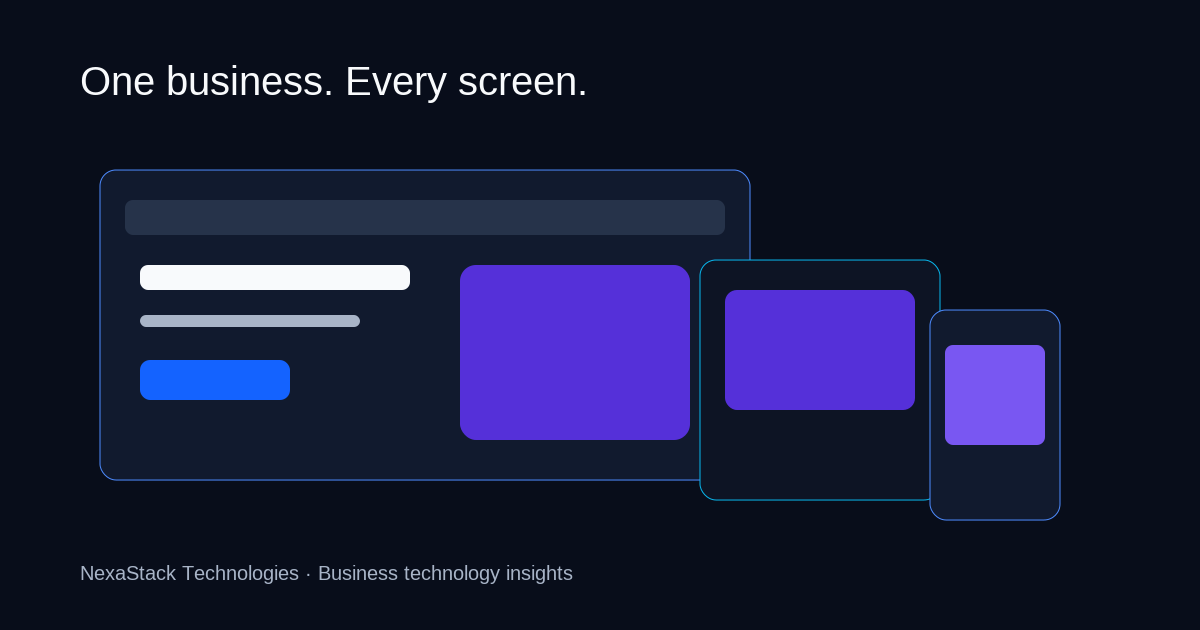
A professional website gives customers a dependable place to understand your business, evaluate its services, and take the next step. It should answer practical questions clearly: what you do, who you serve, where you operate, and how someone can contact you. Its value comes from reducing uncertainty and supporting useful actions.
Despite the title, not every business needs a large custom platform immediately. A focused, maintained website may be enough for an early-stage firm. The important decision in 2026 is how to create a reliable digital presence that fits your customers and operating capacity, rather than building pages simply because competitors have them.
Credibility begins with useful information
Customers often want to verify a business before making an enquiry. A clear service description, accurate contact information, genuine work examples, and transparent policies help them assess whether to proceed. Professional design supports that information by making it readable and easy to navigate.
For a small engineering supplier in Dhaka, a useful website could explain product categories, service areas, and the details required for a quotation. An international consulting business might need a clear engagement process and examples it has permission to share.
Avoid invented testimonials, exaggerated team descriptions, and unsupported certifications. A smaller business can present itself confidently through honest, specific information. Credibility is damaged when a website promises more than the company can deliver.
A website complements other channels
Social platforms and marketplace profiles can introduce customers to a business. A website provides a destination where the business controls its information structure and customer journey more directly. It also gives campaigns a stable landing page.
This does not mean social media becomes unnecessary. A restaurant may still receive enquiries through messaging, while its website supplies opening hours, menu details, accessibility information, and directions. The channels should reinforce one another.
Keep essential information consistent across them. Conflicting phone numbers, outdated prices, or different opening hours create avoidable frustration. Assign responsibility for updates so that the website does not become an abandoned brochure.
Help the right customers find you
Search engine optimization starts with useful pages that describe real services in language customers understand. A business serving a particular area should explain that coverage accurately. A firm working internationally should clarify what it can deliver remotely.
Create a logical structure with descriptive page titles, internal links, and readable URLs. Important information should be available as text, not only embedded in an image. Ensure pages can be discovered and that accidental indexing restrictions are removed from public content.
No developer can responsibly guarantee a particular search ranking. Competition, content relevance, and many other factors affect visibility. Ask for concrete deliverables and measurement rather than promises of instant traffic.
Design around customer acquisition journeys
Consider how someone arrives and what they need next. A visitor from a search result may need reassurance about the service. Someone referred by a colleague may go straight to contact details. A returning customer may want support information.
For example, a training provider could offer course descriptions, schedules maintained by staff, and a short enquiry form. A manufacturing business might organize capabilities by process and provide a request-for-quotation path. These are different journeys and should not be forced into the same template.
Choose a small number of meaningful actions. A page covered in competing buttons is harder to use. The primary action should match the customer's readiness: read more, ask a question, book a consultation, or request a quote.
Mobile usability is basic service quality
A responsive layout adapts to available space, but mobile quality goes beyond shrinking columns. Text must remain readable, menus easy to operate, and forms manageable with an on-screen keyboard. Buttons need enough separation to avoid accidental taps.
Test on realistic mobile connections and devices. Large decorative images, autoplay media, and excessive scripts can make an otherwise attractive website frustrating. Customers should not need a high-end phone to find your address.
A Bangladesh-based repair business might receive urgent visits from people using a mobile connection. Prominent service coverage, a working phone link, and a simple contact route are likely more useful than elaborate visual effects.
Turn enquiries into a manageable workflow
Contact forms should collect enough information to respond, without demanding details that are unnecessary at the first conversation. Label fields clearly, explain errors, and confirm successful submission. A form that silently fails can lose a valuable opportunity.
Behind the form, decide who reviews enquiries and how they are tracked. Saving submissions before sending notifications helps avoid losing them when an email provider fails. Staff should have a way to find unanswered requests.
Do not promise an immediate response unless the business can consistently provide it. State realistic availability and offer an alternative contact method when appropriate. Good website operations connect the digital experience to actual staff capacity.
Security and HTTPS protect the relationship
HTTPS protects data in transit between the browser and the website, but it is only one part of security. Administrative access, server-side validation, dependency updates, backups, and restricted permissions also matter.
Collect only the information needed for the service. Avoid requesting sensitive documents through a general contact form unless a suitable handling process exists. Explain how submitted information is used in clear privacy information appropriate to the business.
For a small firm, practical controls can be more valuable than impressive terminology. Use strong administrator credentials, limit account access, maintain updates, and test recovery. A website should remain manageable after the launch developer hands it over.
Accessibility makes the site easier to use
Accessible design benefits people using keyboards, screen readers, zoom, or different input methods. It also helps visitors reading in bright light or navigating with temporary limitations. Accessibility should be part of the initial design.
Use meaningful headings, visible focus indicators, sufficient contrast, descriptive links, and form labels. Avoid placing essential instructions only in color. Provide useful alternative text for informative images.
Automated checks can identify some problems, but they do not prove that a website works for everyone. Combine them with keyboard testing and practical review of forms and navigation. Include accessibility in acceptance criteria and future maintenance.
Speed and Core Web Vitals
Google's Core Web Vitals cover loading performance, responsiveness, and visual stability through LCP, INP, and CLS. They help identify aspects of real user experience, but a good score does not guarantee search rankings or sales.
Start with image optimization, limited unnecessary JavaScript, sensible caching, and efficient data fetching. Reserve image space so content does not jump while loading. Review third-party widgets because they can affect both performance and privacy.
Measure important pages and user actions. A fast homepage is not enough if the enquiry form or product page becomes slow. Use field data when available and lab tests to investigate specific problems.
Custom websites and sensible alternatives
A custom website can fit a distinctive workflow, specialized integrations, or a carefully planned content structure. It may make sense when standard templates repeatedly constrain the experience or create operational workarounds.
A well-configured ready-made platform can be a good choice for straightforward requirements and limited budgets. The decision should consider editing needs, ownership, portability, recurring fees, and support. Custom development is not automatically the best answer.
Ask for the smallest useful first release. A five-page website with accurate content and a reliable enquiry process can be more valuable than a large unfinished system. Expand when real customer behavior justifies the investment.
Maintenance is part of the product
Plan who updates services, reviews contact details, checks forms, and handles technical updates. Give staff a manageable editing process and clear responsibilities. A maintenance plan should include both content and software.
Backups need recovery testing. Monitoring should identify failures that affect customers, and someone must be responsible for responding. Review access when staff or contractors leave.
Set a periodic review schedule. Check broken links, outdated claims, expired offers, and whether customers still ask questions the website should answer. Improvement should follow evidence, not constant cosmetic redesigns.
Measure long-term value responsibly
Define success in terms the business can observe: relevant enquiries, completed bookings, reduced repetitive questions, or better-qualified quotation requests. Separate these outcomes from vanity metrics such as raw page views.
Use analytics with appropriate privacy considerations and document what events mean. A button click is not the same as a completed sale. Combine website data with staff feedback to understand where customers encounter friction.
Compare operating costs and benefits over time. The website's value may include clearer communication and more efficient administration, not only direct online revenue. Avoid attributing every business improvement to the website.
A practical launch checklist
- Confirm the audience, service coverage, and primary customer action.
- Prepare accurate copy, authorized images, and current contact information.
- Test mobile navigation, keyboard access, and form submissions.
- Confirm HTTPS, administrator access, backups, and maintenance responsibility.
- Review titles, internal links, indexing, and performance.
- Assign someone to respond to enquiries and review content regularly.
Frequently asked questions
Can social media replace a website?
For some early-stage businesses it may cover immediate needs. A website becomes useful when customers need organized, dependable information or a more structured enquiry journey.
How much content should the first version contain?
Enough to explain your offer and help the customer act confidently. Add pages because they answer a real question, not to reach an arbitrary page count.
Conclusion and next step
A professional website is an ongoing business tool. Start with accurate information and a clear journey, then maintain and improve it as the business develops.
NexaStack Technologies can help scope a practical business website. Tell us about your requirements or request a quotation. If you sell products, continue with our Bangladesh e-commerce guide.
Further reading
Google explains Core Web Vitals and search, including why page experience should be considered alongside useful content.